Gene Basket
The Gene Basket is where genes are loaded for further data exploration on the Visualization page.
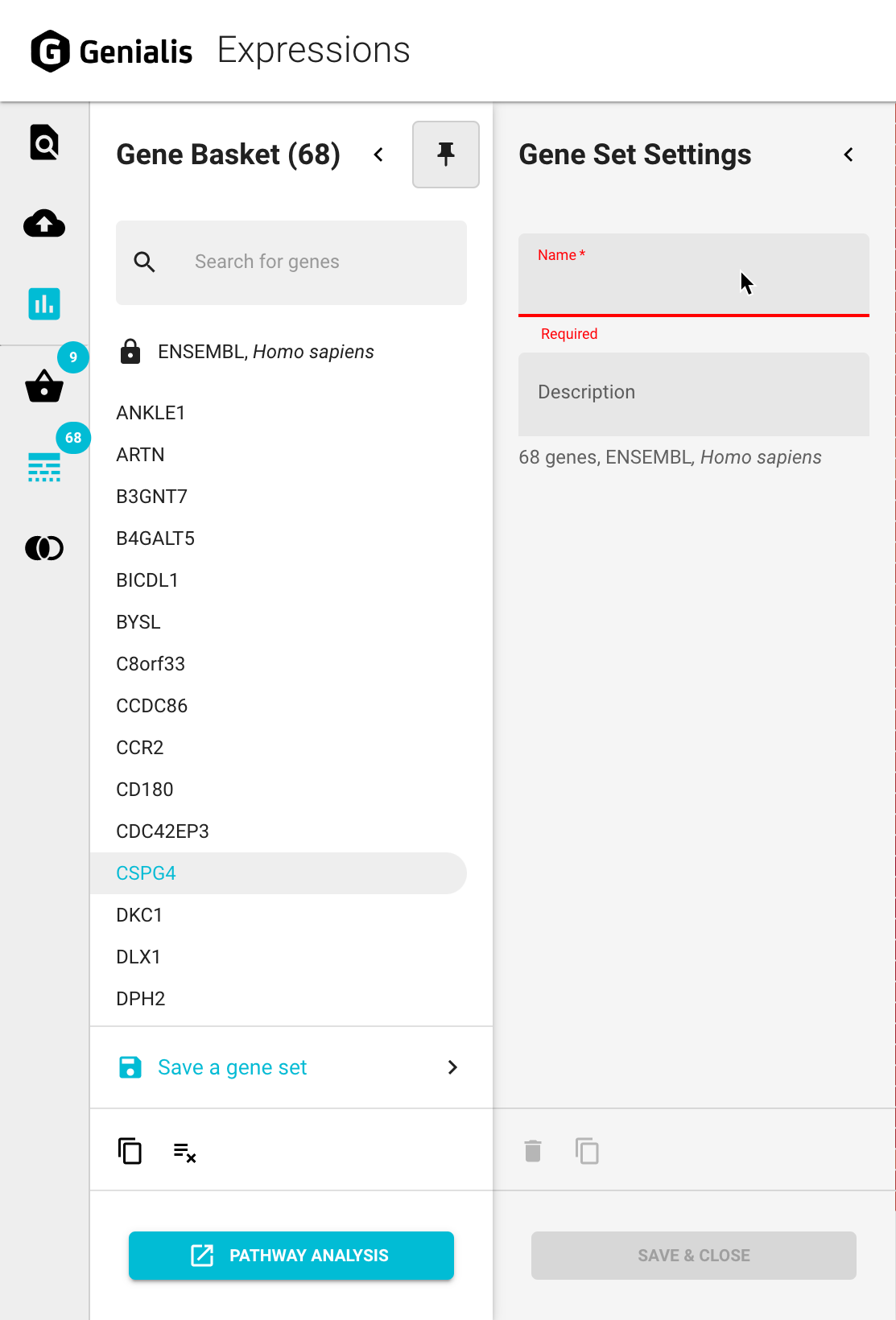
The Gene Basket panel is a multi-layered drawer that will open by clicking on the Gene Basket Basket icon in the main navigation bar. By default the main panel overlaps the existing screen content. It can be collapsed back in order to maximize your screen space by clicking on the ‘Collapse’ icon button in the top right corner of the panel OR pinned by clicking on the ‘Pin’ icon button so that the main panel is integrated next to the existing content on your screen rather than overlapping it. All further panels will always open and close intuitively as you click through specific features.
Genes can be placed into the Gene Basket in various ways:
manually, by typing in the name of the gene
by pasting a list of genes from an outside source into the search bar
by selecting points of interest from different visualizations
by loading previously saved gene sets from the Gene Set Basket.
Detailed description of a gene (Gene Information panel)
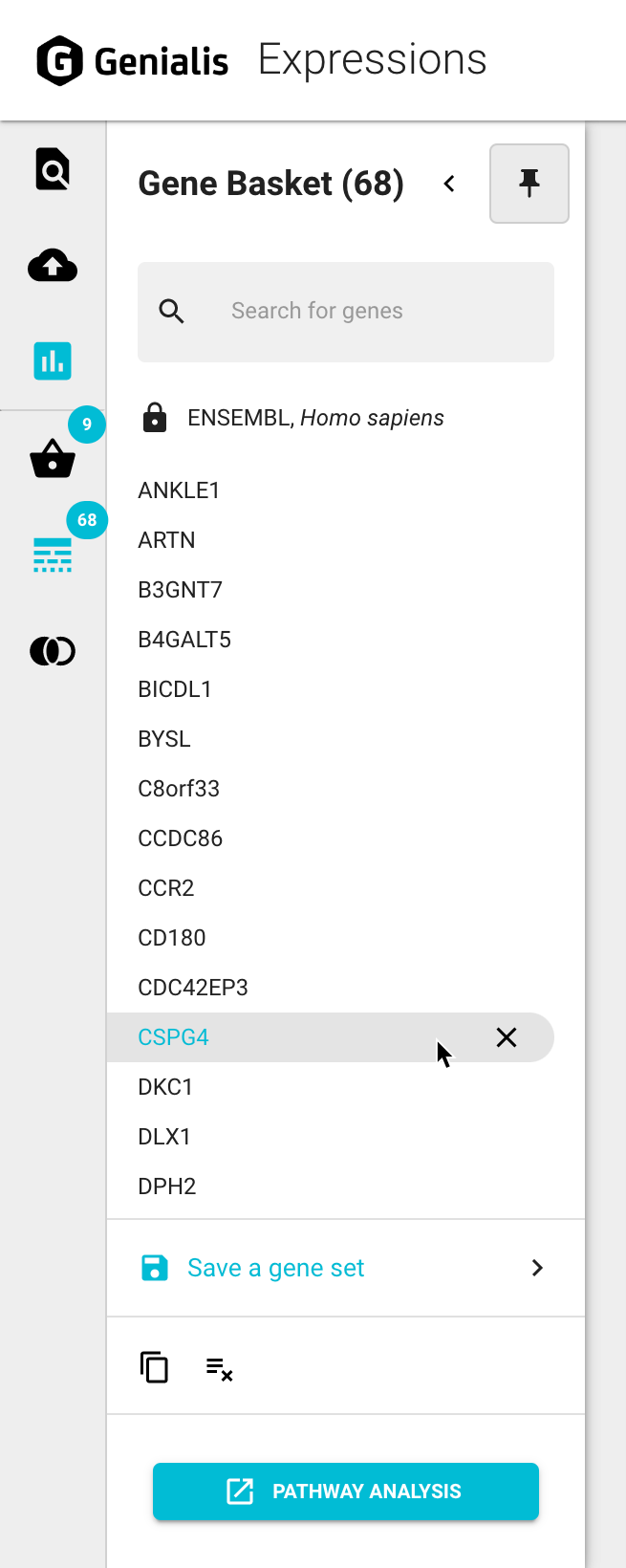
Users can learn more about a particular gene by clicking on that gene in the Gene Basket. This will open the Gene Information panel with that gene’s ID, short name, long name, alternative names, description as well as links to Ensembl and OpenTargets to explore the gene even further.
Manage genes in the Gene Basket
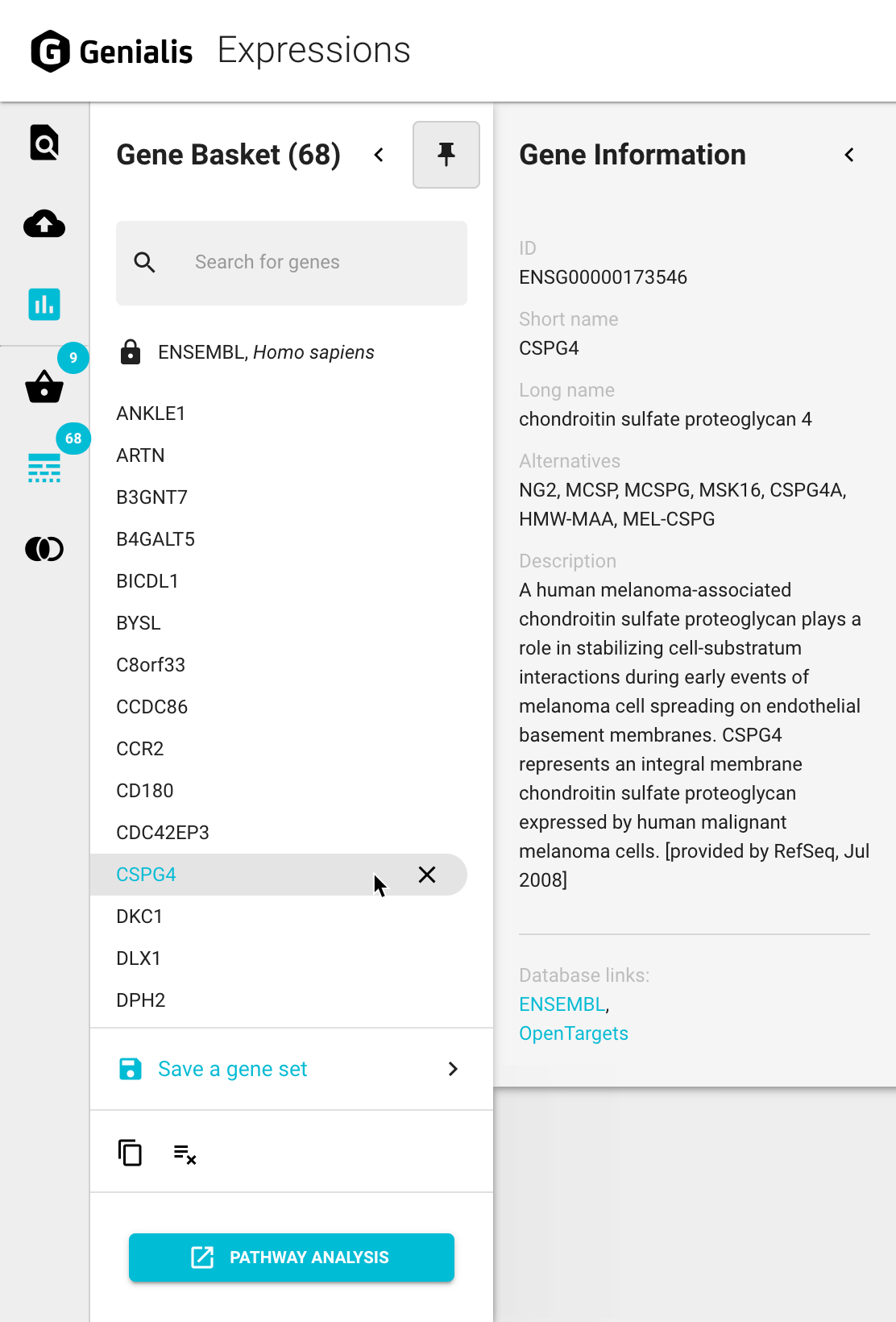
Genes can be removed from the Gene Basket individually using the ‘X’ icon button found next to the gene name. All genes can be removed from the Gene Basket at once by clicking on the ‘Clear All’ icon button at the bottom of the Gene basket.
You can copy a comma separated list of all genes in the Gene Basket by clicking the ‘Copy to clipboard’ icon button.
Save a new gene set
A list of all genes in the Gene Basket can be saved as a new gene set by clicking on the ‘Save a gene set’’ link. This will open a new panel called Gene Set Settings. Here you can give your gene set a name and a description. Once saved (by clicking the ‘SAVE & CLOSE’ button), this gene set can be loaded for use again in the future. For further information about managing gene sets see the Gene Set Basket article.